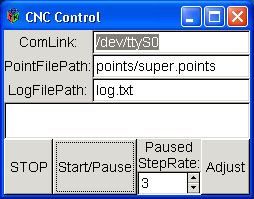
 The Main Control window for the CNC system.
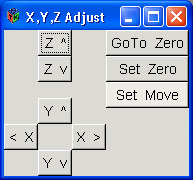 The window you get when you press Adjust on the Main Control window.
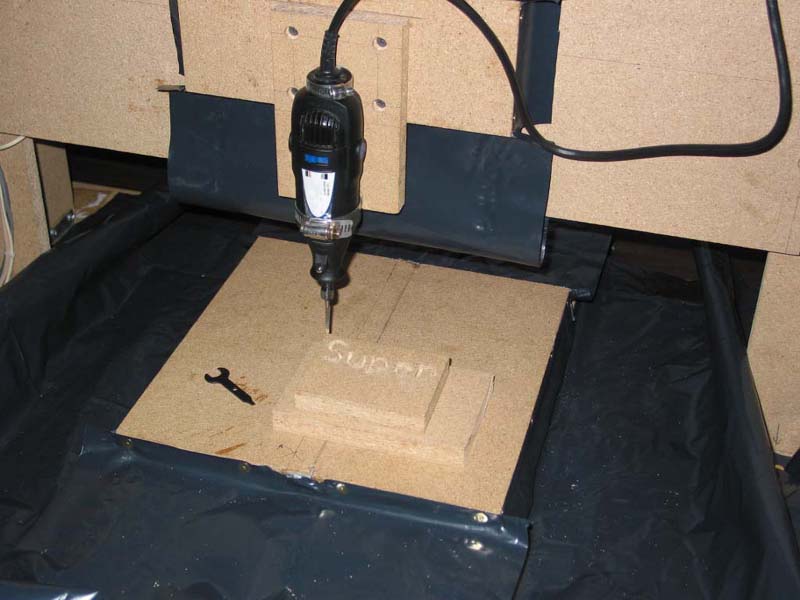 The mill cutting the word SUPER into a block of wood.
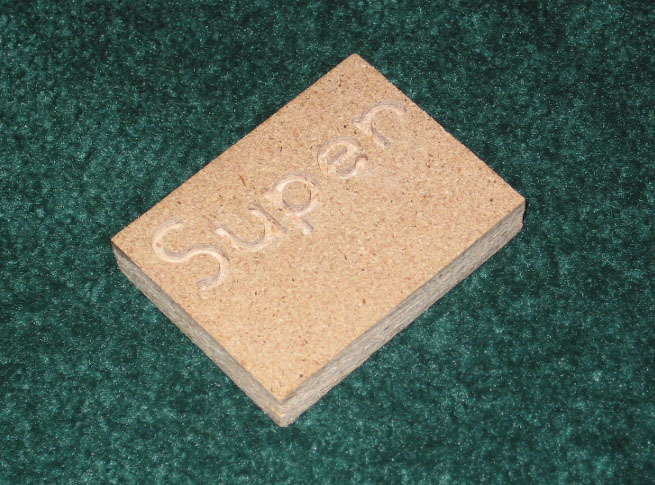 Close up view of the word SUPER cut into a block of wood.
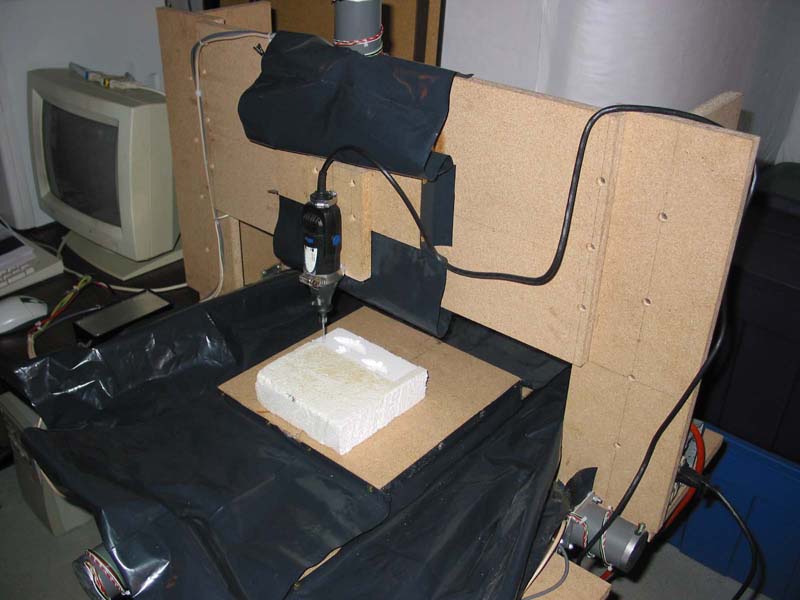 The mill cutting a sample 3D range image into a block of foam.
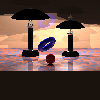 The original scene used to generate the sample 3D range image.
 The sample 3D range image.
 Inverted verson of the sample 3D range image.